





Build betterevent plans, faster.
Purpose-built for event planners.Consistent plans and real-time collaboration, built in.

Consistent plans.
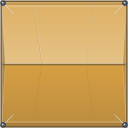
Create custom, standardised asset libraries for your team. Choose which sizes, colours, and styles should stay fixed so every event starts from the same standard.
Keep approved footprints and dimensions fixed when they should not change.
Protect agreed colours and visual rules so the same asset looks consistent in every plan.
Give everyone in the workspace the same approved library across events and plans.
Place assets in bulk.
Draw a line or area, choose an asset and set the quantity. Preview the spacing, then place the full batch at once.
Lines or areas
Choose Along line or Inside area for the layout you need.
Exact spacing
Distribute assets evenly or set a custom gap.
Preview first
Review the full batch before placing it on the plan.
Live collaboration.
See who is in the plan, what they have selected and when an object is being edited. Changes appear as they happen.
Live presence
See who is in the plan and which level they are on.
Shared selections
See which objects teammates have selected.
Active edits
Know when an object is already being changed.
Trader allocation.
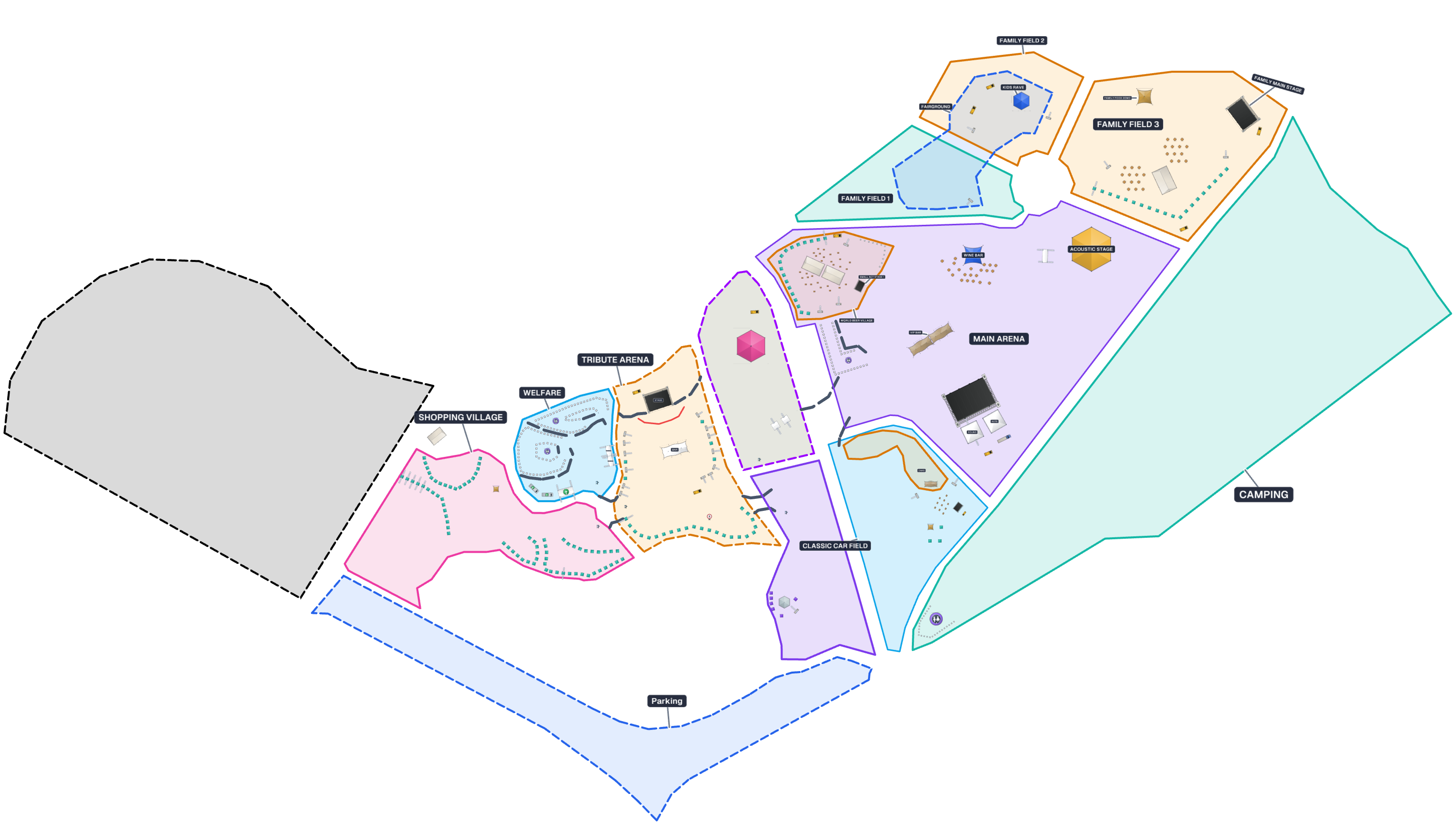
Assign trader and vendor names directly on the plan. Move or swap allocations as the layout changes, then share a trader-only lookup or export the list.
Assign on the map
Click an available position and enter the trader name.
Move or swap
Reassign labels without rebuilding the layout.
Trader-only lookup
Share a focused lookup so traders can find their place, or export allocations as a CSV.